

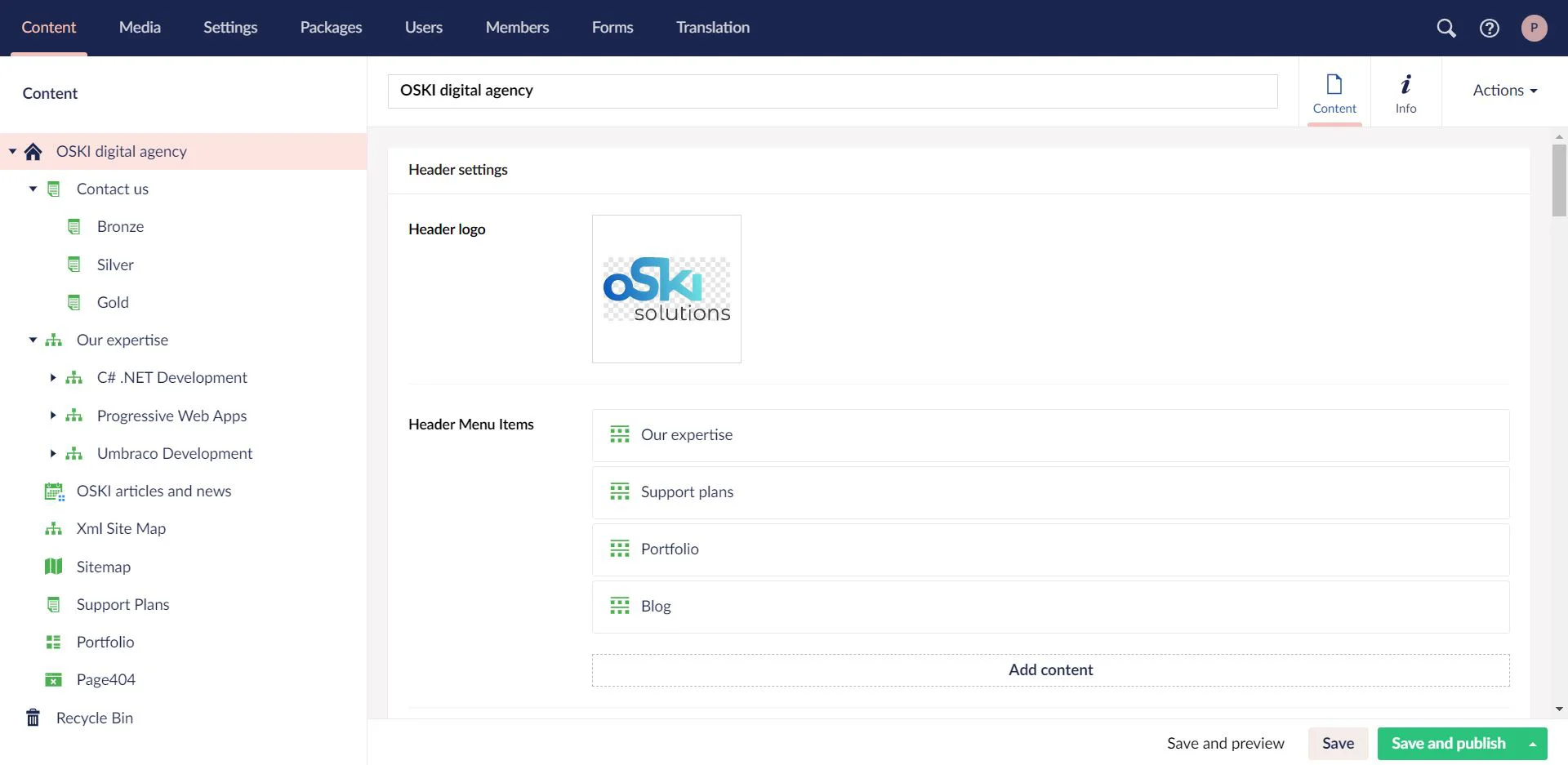
Umbraco Starter Kit from OSKI solutions.

- Are you going to launch your business?
- Do you want to get more clients from Internet?
- Do you want to upgrade your existing website?
If you have at least one positive answer for these questions, this post will be very useful for you.
Thanks to our experience in web development we have defined the most important functionalities for the modern website of small and medium businesses. We have created a starter kit, that will help businesses become more digital and modern. You can download our starter kit from the official Umbraco website.
Manual
Of course, you should have:
— Visual Studio
— MS SQL Express
Steps for installation:
1. Launch Visual Studio
2. Create a New Empty ASP.NET Project
3. In the “Nuget Package Manager” type “Umbraco CMS” for search
4. Install
5. Build Solution
6. Start Solution (F5)
7. Connect SQL database. For example, data source is “DESKTOP-CBTH1I4\SQLEXPRESS01” and Initial Catalog is “Release_2_5”:
8. Select the starter kit "OSKI Starter Kit" from Packages.
9. Configure SMTP settings in web.config. For example, e-mail is [email protected], password is oski.site, port for gmail is 587:
10. Configure reCaptcha settings (it is optional) in web.config in block
11. Configure settings for Error page in umbracoSettings.config
bca164a2-a4e1-493f-b9ec-9b1f49662c23
12. Welcome to OSKI Starter Kit! Enjoy our solution!


