

A Clear Path to Upgrading Your Site to Umbraco 17

Umbraco 17 isn’t just another release – it marks a shift toward a more stable, future-focused CMS. Whether you're coming from version 13 or stuck on 7 or 8, this upgrade is your chance to clean things up, modernize your stack, and make life easier for your developers and editors alike. But like any serious change, it pays to plan.
In this guide, we’ll walk through what actually matters, what to expect during the move, and how to make the whole thing as smooth as possible. No fluff, no filler, just a straightforward plan that works.
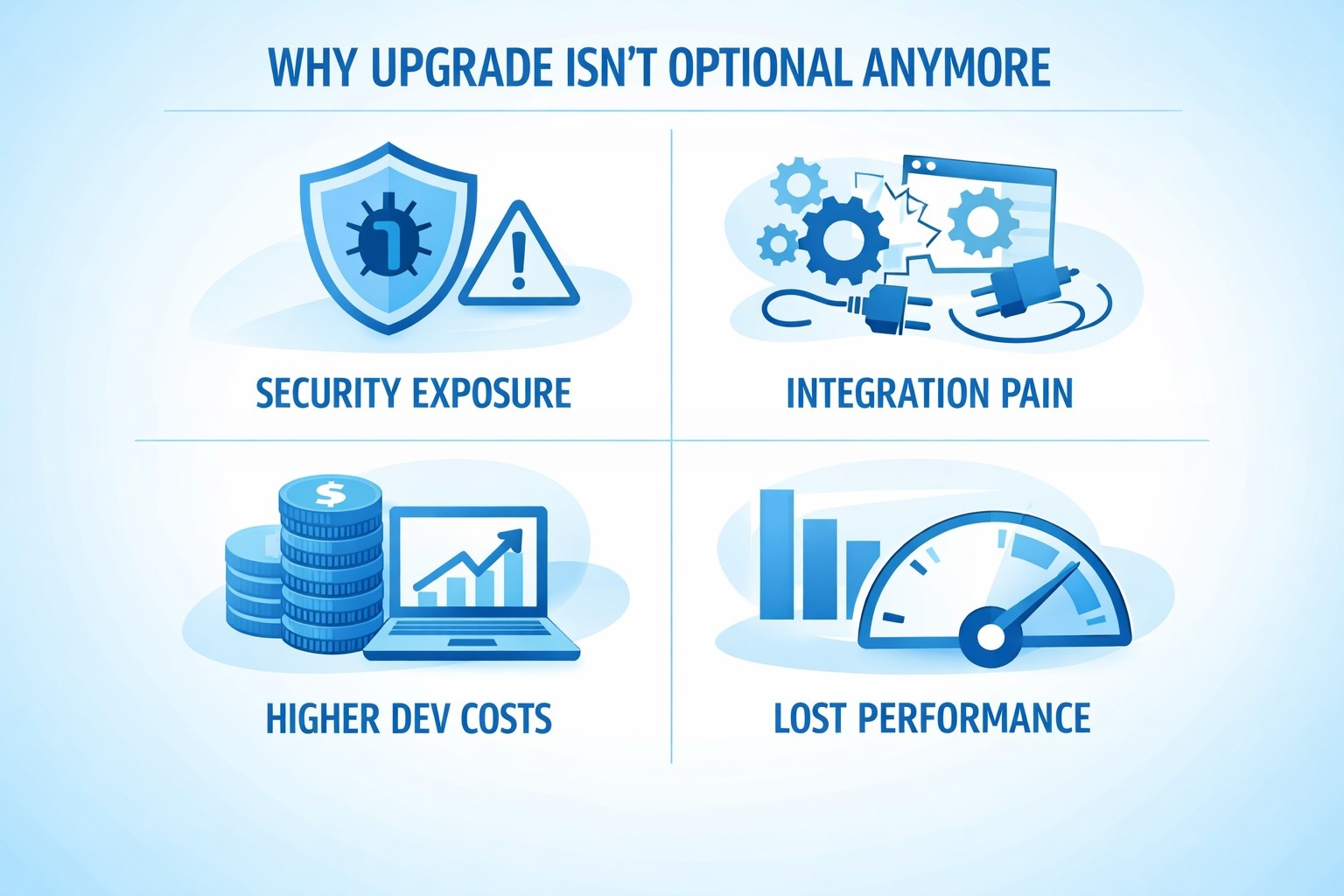
Why This Upgrade Isn’t Optional Anymore
If you’re still on Umbraco 7 or 8, you're already out of support. For Umbraco 13 users, the clock is ticking. The official end-of-life is December 14, 2026. After that, you lose security patches, bug fixes, and compatibility with newer frameworks and hosting platforms.
Still thinking you’ll wait it out? Here’s what that delay will cost you:
- Security exposure: No updates means any new vulnerability stays wide open.
- Integration pain: Modern CRMs, analytics platforms, and payment gateways are phasing out support for legacy systems.
- Higher dev costs: Technical debt multiplies. Teams end up fixing problems instead of solving them.
- Lost performance: Umbraco 17 brings a leaner .NET 10 engine, faster back office, and smarter caching.
Now’s the time to upgrade while things are still predictable.
First Things First: Understand What’s New in Umbraco 17
Before diving into the “how,” let’s touch on the “why.” Here’s what you’re actually getting in Umbraco 17:
- A completely rebuilt back office using modern tech that’s easier to extend and maintain.
- Faster site startup and smarter caching for large content libraries.
- Block-level language variants so you’re not duplicating entire pages for translation.
- Built-in form previews directly in the back office.
- Early AI integration via MCP for smarter content structure management.
- Improved search flexibility (ElasticSearch, Azure Cognitive Search).
- Long-Term Support (LTS) until late 2028.
It’s a solid jump in performance and architecture that finally feels aligned with where modern websites are heading.
What You’ll Actually Need to Do
Upgrading to Umbraco 17 isn’t just about clicking “update.” It’s a process. Below is a breakdown of the key steps most teams will need to work through to make the move smoothly and with minimal disruption.
Step 1: Audit What You’ve Got Right Now
Every successful upgrade starts with a proper look under the hood. That means understanding what your site actually does, which features are still in use, and what parts of it are custom-built versus running on standard Umbraco components. You’ll also want to take stock of any outdated design templates or front-end frameworks that might be hanging around. This isn’t just about estimating the effort involved – it’s a chance to clean the house, trim what’s no longer needed, and make sure you’re not dragging legacy issues into a modern build.
Step 2: Review Your Packages and Integrations
Umbraco packages, community add-ons, and third-party integrations can complicate upgrades if they haven’t kept pace.
Here’s what to check:
- Is the package still maintained?
- Is it compatible with .NET 10 and Umbraco 17?
- Has the feature been replaced by something native in v17?
Watch out for:
- Umbraco Forms
- Workflow packages
- E-commerce modules
- CRM connectors
- Custom membership setups
For legacy builds, it's often smarter to rebuild key features using Umbraco's new APIs and built-in components rather than patching old tools.
Step 3: Clean Up Your Codebase
Think of this step as brushing the dust off before a move.
Legacy Umbraco builds tend to accumulate code rot – helpers that don’t get used, outdated LINQ queries, hardcoded config files, etc. Clean it now, and you’ll avoid upgrade blockers later.
Do this:
- Remove deprecated methods and unused classes.
- Replace legacy config patterns with updated equivalents.
- Delete old document types, partial views, and scripts that are no longer in use.
- Run a static analysis tool to flag outdated patterns.
This step alone can reduce upgrade complexity by 30-40%.
Step 4: Update Your Target Framework to .NET 10
Umbraco 17 only runs on .NET 10. It requires a compatible SDK, which is supported by Visual Studio 2026, but other development tools may also work. Once you're in the right IDE, open your project file and update the <TargetFramework> to net10.0. Then, rebuild your solution.
Yes, you'll see errors, don’t panic. Most are related to namespace changes or obsolete syntax in your Program.cs file. Remove the lines that throw errors, then rebuild again.
Step 5: Update Your Umbraco CMS Version
Once your project is targeting .NET 10 and builds without critical errors, it’s time to bring in Umbraco 17. Update the CMS version in your project files to 17.0.0, then rebuild the solution. You’ll probably run into issues with auto-generated models at this stage, that’s completely normal. The model structure has changed a bit in this version, and we’ll clean that up in the next step.
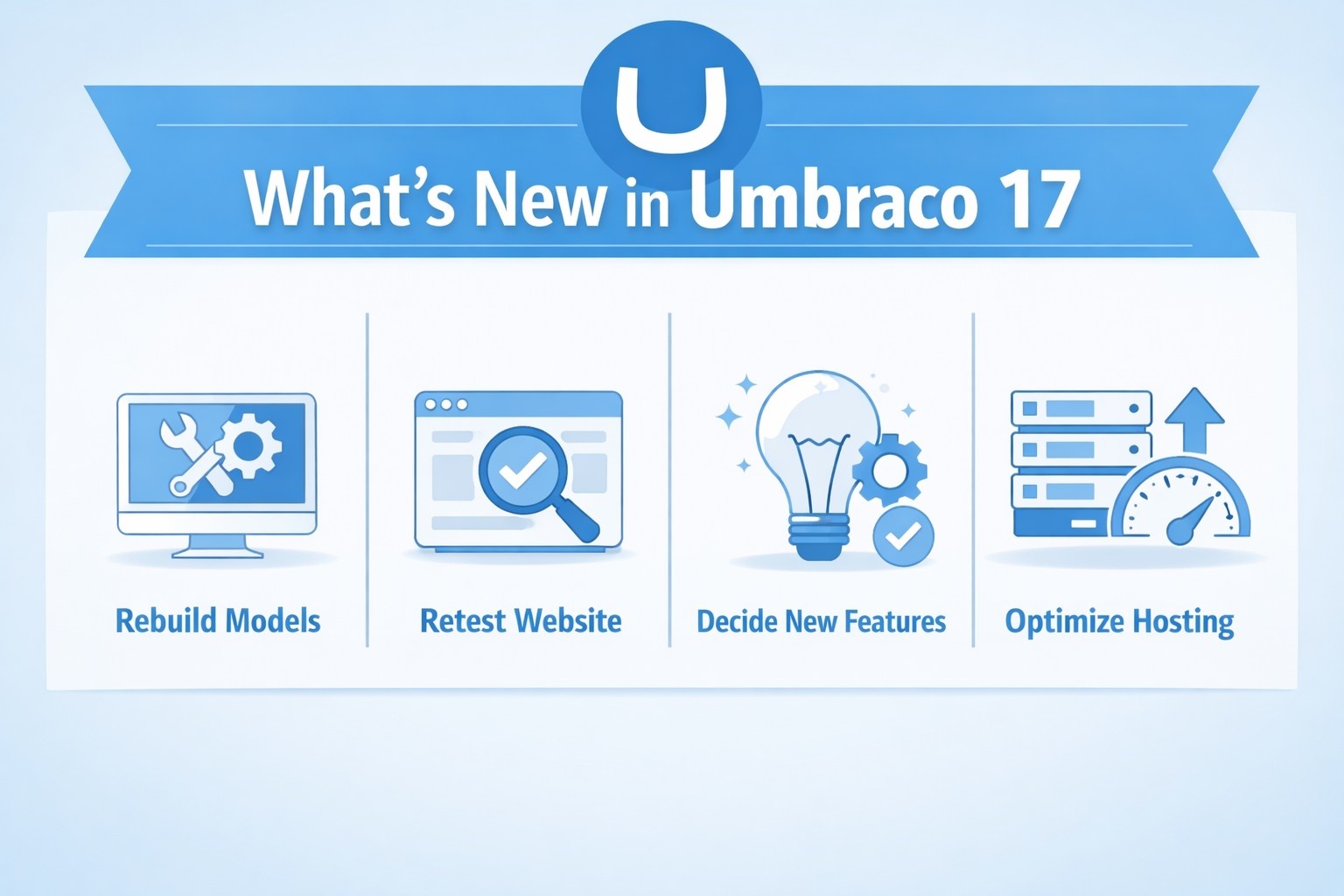
Step 6: Rebuild the Models the Right Way
Here’s where most people get stuck: Umbraco 17 adjusts how some models expose properties.
After the first build fails:
- Delete the entire umbraco.models folder (or whatever your auto-generated model folder is called).
- Run the site (you’ll still see errors).
- Go to Settings > Model Builder and click Generate Models.
- Rebuild your solution one more time.
If all went well, errors should clear out. This gives you a clean set of models built to match the new structure.
Step 7: Retest Your Website
With the site now running on Umbraco 17, it’s time to go through a full test pass. This isn’t just about checking if pages load.
Things to test:
- Content editing workflows.
- Form submission and preview.
- Multilingual content and translation variants.
- Custom dashboard widgets.
- Integration points (CRMs, APIs, analytics, etc.).
- Any custom search implementation.
- Scheduled publishing and approval flows.
You’ll want both developer-level tests and real-world editor testing.
Step 8: Decide Which New Features to Roll Out
Umbraco 17 comes with a solid lineup of new tools, but that doesn’t mean you have to turn everything on from day one. Focus on what actually solves problems for your team. If you’re running a multilingual site, block-level translation can save a ton of time. If search performance is dragging, it might be time to explore ElasticSearch or Azure integration.
Editorial teams dealing with complex approval flows will benefit from the upgraded workflows, while more technical teams experimenting with structure optimization can start playing with AI-powered MCP features. The rest can wait. Treat these additions as part of your roadmap, not as requirements during the initial upgrade.
Step 9: Optimize Hosting for Performance and Cost
With Umbraco 17’s updated cloud support, it’s worth revisiting your hosting stack.
What’s changed:
- You no longer need a dedicated back office server in Umbraco Cloud.
- Load balancing is now native.
- Resource usage is more efficient, which means lower bills on modern cloud infrastructure.
If you’re on legacy hosting, now’s a smart time to migrate to a cloud environment optimized for .NET 10.
Step 10: Build a Long-Term Maintenance Plan
Now that you’re on an LTS version, you have three years of runway: two years of full support, followed by one year of security-only updates.
Use that breathing room to:
- Set a cadence for future minor upgrades (v17.x.x).
- Assign internal ownership of the CMS.
- Schedule periodic reviews of performance and security.
- Keep up with Umbraco's release notes and roadmap.
The move to v17 should be the start of more predictable, less painful upgrades, not another one-time project you put off until the next deadline.

How We Support Clean, Confident Upgrades at OSKI Solutions
At OSKI Solutions, we've been working with Umbraco long enough to see how messy upgrades can get when they’re treated like afterthoughts. We approach every version jump as a chance to streamline, not just patch. Whether your site runs on 7, 8, or 13, our job isn’t to simply move it to Umbraco 17. It’s to help you get there with fewer headaches, smarter architecture, and code that won’t need rework two months down the line.
We’re developers, sure. But more importantly, we’re system thinkers. That means we don’t just upgrade a CMS in isolation. We look at how it connects with your CRM, your marketing stack, your workflows, and even your infrastructure. Umbraco 17 gives you better building blocks – faster performance, cleaner APIs, built-in translation logic – and we help you take full advantage of them without turning it into a six-month detour.
If you're aiming for a stable, future-proof CMS that doesn’t require constant duct tape, we’d be happy to talk. We work best with teams who want more than just a vendor – they want a partner who sees the full picture.
Need help with your Umbraco project?
Describe your requirements, and our team will help you plan, build, and optimize your Umbraco solution.
Final Thoughts: Don’t Treat This Like Just Another Version Jump
Upgrading to Umbraco 17 is a rare opportunity. You’re not just moving from one version to another – you’re switching to a better foundation.
It’s faster. Cleaner. Easier to maintain. And it’s finally built with a future-friendly mindset.
If you’ve been stuck in the world of manual patches, buggy workflows, and outdated .NET versions, this release is your exit ramp.
Plan it right, take your time with testing, and think of the upgrade as a reset button for your website.
FAQ
1. Can we upgrade straight from Umbraco 7 or 8 to 17?
Not directly. If you’re still on 7 or 8, you’ll need to rebuild your site on Umbraco 17 rather than performing a one-click upgrade. The architecture has shifted too much between versions. That said, you can migrate content, rethink your setup, and come out with a cleaner, more future-proof build.
2. Do we need Visual Studio 2026 to work with Umbraco 17?
Yes. Umbraco 17 runs on .NET 10, which is only supported in Visual Studio 2026. Earlier versions of the IDE won’t compile the project. If you’re not ready to make that shift, you’ll be blocked before you even start the upgrade.
3. Is Umbraco 17 stable enough for production sites?
Absolutely. It’s a Long-Term Support (LTS) release with three years of coverage – two years of full support, plus a year of security patches. It's built for high-traffic, enterprise-grade platforms, and it's already running in production for businesses that can't afford downtime.
4. What’s different about the new back office in Umbraco 17?
The new back office has been rebuilt with modern tech that’s faster, easier to extend, and more pleasant to use. If your content team has ever struggled with slow editing workflows or clunky navigation, they'll notice the difference immediately.
5. What happens to our existing content and document types?
You can migrate content using export tools or custom scripts, but document types, templates, and models will need to be recreated in the new structure. This sounds painful, but it's a good chance to cut out what's no longer useful and rebuild with clarity.
6. Do we need to use every new feature right away?
Not at all. You can upgrade first, stabilize your setup, and then roll out features like block-level translations or AI-powered model insights over time. Think of Umbraco 17 as a toolbox – use what solves your problems, leave the rest for later.


