

Mobile App Development Cost in the Philippines: What to Expect in 2026

Building a mobile app in the Philippines is often seen as a smart way to balance cost and technical quality. But pricing isn’t one-size-fits-all. App complexity, platform choices, design expectations, and long-term support all shape the final budget. This guide explains how mobile app development costs are formed in the Philippines and what teams should plan for before starting a project.
How Much Does It Cost to Build an App in the Philippines?
Mobile app pricing in the Philippines varies widely based on scope and technical depth. That said, most projects fall into a few clear ranges:
- Simple apps: ₱150,000 to ₱400,000
- Mid-level apps: ₱400,000 to ₱1,200,000
- Complex apps with backend systems and integrations: ₱1,200,000 to ₱2,800,000+
These numbers aren’t fixed quotes. A basic app with a handful of screens and offline logic will land at the lower end. A multi-user platform with real-time sync, payments, and admin dashboards will push costs much higher.
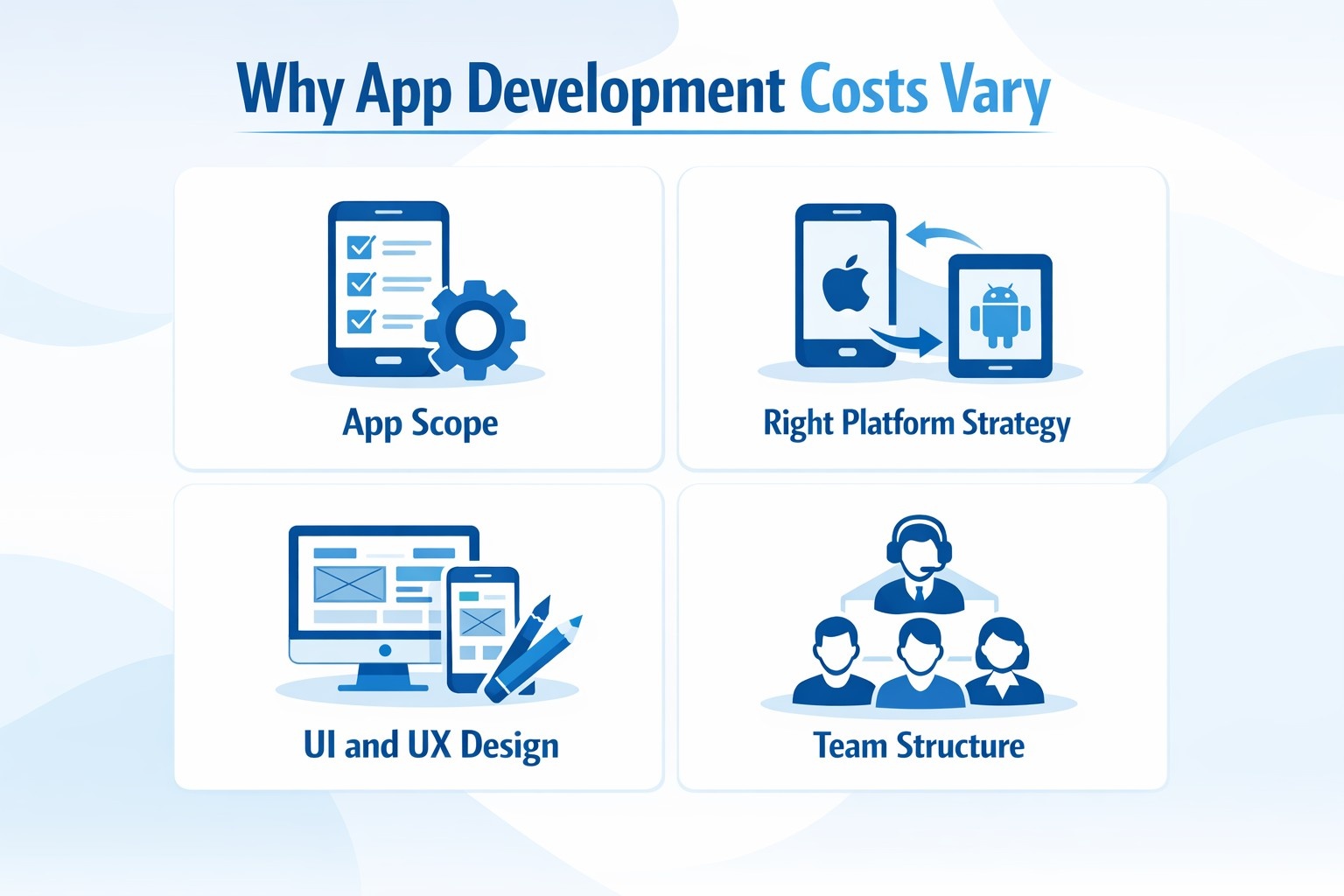
Why App Development Costs Vary So Much
Two apps can look similar on the surface and still cost very different amounts to build. That’s because pricing is shaped by decisions made early in the process, not just by screen count.
Below are the main factors that influence development cost in the Philippines.
1. App Scope and Feature Depth
The biggest cost driver is what the app actually does.
A straightforward app might focus on content display and simple user input. As soon as you introduce more advanced functionality, development time increases quickly. Common cost-raising features include:
- Real-time messaging or chat
- Location tracking and map services
- Online payments and subscriptions
- Push notifications
- Media uploads and streaming
- AI-driven recommendations or analytics
Each feature adds development, testing, and long-term support work. Cutting unnecessary features early is often the easiest way to keep budgets realistic.
2. Choosing the Right Platform Strategy
Whether you build for Android, iOS, or both has a direct impact on cost.
Native development means separate codebases for each platform, which increases effort. Cross-platform frameworks allow one shared codebase, which often reduces time and cost for business-focused apps.
Typical cost ranges in the Philippines:
- Android (native): ₱300,000 to ₱700,000
- iOS (native): ₱350,000 to ₱750,000
- Cross-platform (Flutter or React Native): ₱500,000 to ₱1,200,000
Performance-heavy apps may still benefit from native development. For many commercial products, cross-platform tools strike a better balance between cost and quality.
3. UI and UX Design Expectations
Design goes beyond visuals. It directly affects how users move through the app and whether they choose to keep using it. Apps that rely on standard UI patterns and ready-made component libraries are usually faster and cheaper to build. Once you move into fully custom layouts, animations, and interaction logic, both design and development time increase. This phase typically covers user flow mapping, wireframing, visual design aligned with brand guidelines, interactive prototyping, and usability testing to refine the experience.
UI and UX work usually takes up around 15% to 25% of the total project budget, and cutting corners here often leads to weak engagement and costly redesigns later on.
4. Team Structure and Engagement Model
Who builds your app matters just as much as where it’s built.
In the Philippines, you’ll usually choose between:
- In-house teams, which come with long-term salary and management costs
- Freelancers or small teams, suitable for limited-scope projects
- Development agencies, which cost more upfront but provide structured delivery, QA, and project management
Local hourly rates are typically far lower than rates in the US or Western Europe, without sacrificing communication quality.
5. Backend Systems and Cloud Infrastructure
Any app that handles accounts, data storage, or live updates needs backend development.
This work often includes:
- Databases and server logic
- APIs for mobile apps and admin panels
- Authentication and authorization
- Cloud hosting setup
Apps using services like Firebase, AWS, or Azure gain scalability, but backend complexity can significantly affect cost, especially for apps with high traffic or data-heavy features.
6. External Services and Integrations
Third-party tools speed up development but add cost and risk.
Common integrations include:
- Social logins
- Maps and geolocation
- Payment gateways
- Analytics platforms
- Messaging or notification services
Rough cost ranges:
- Basic integrations: ₱50,000 to ₱100,000
- Advanced or custom integrations: ₱100,000 to ₱300,000
Each integration requires testing and long-term monitoring, so it’s best to include only what the app truly needs.
7. Security, Privacy, and Compliance
Apps that handle personal or financial data need to account for security from the very beginning. This usually involves encrypted data storage, secure authentication flows, and compliance with relevant privacy regulations, along with regular vulnerability reviews as the app evolves. While these measures increase development effort and cost, they play a critical role in protecting user data and reducing long-term risk for the business.
8. Testing and Quality Assurance
Testing ensures the app works as expected across devices, screen sizes, and operating system versions.
QA may involve:
- Manual testing
- Automated test scripts
- Performance and load testing
Typical QA costs range from ₱50,000 to ₱300,000, depending on complexity. Skipping proper testing almost always leads to higher costs after launch.
What Happens After Launch
Publishing the app isn’t the end of the project. Once the app is live, ongoing maintenance becomes a regular part of keeping it stable, secure, and relevant. This work typically includes fixing bugs, improving performance, updating the app to stay compatible with new iOS and Android releases, refining features based on user feedback, monitoring servers, and scaling infrastructure as usage grows. Security updates are also an ongoing responsibility, especially for apps that handle user data.
Annual maintenance usually accounts for around 15% to 20% of the original development budget, and planning for it early helps avoid unexpected costs and rushed decisions later on.
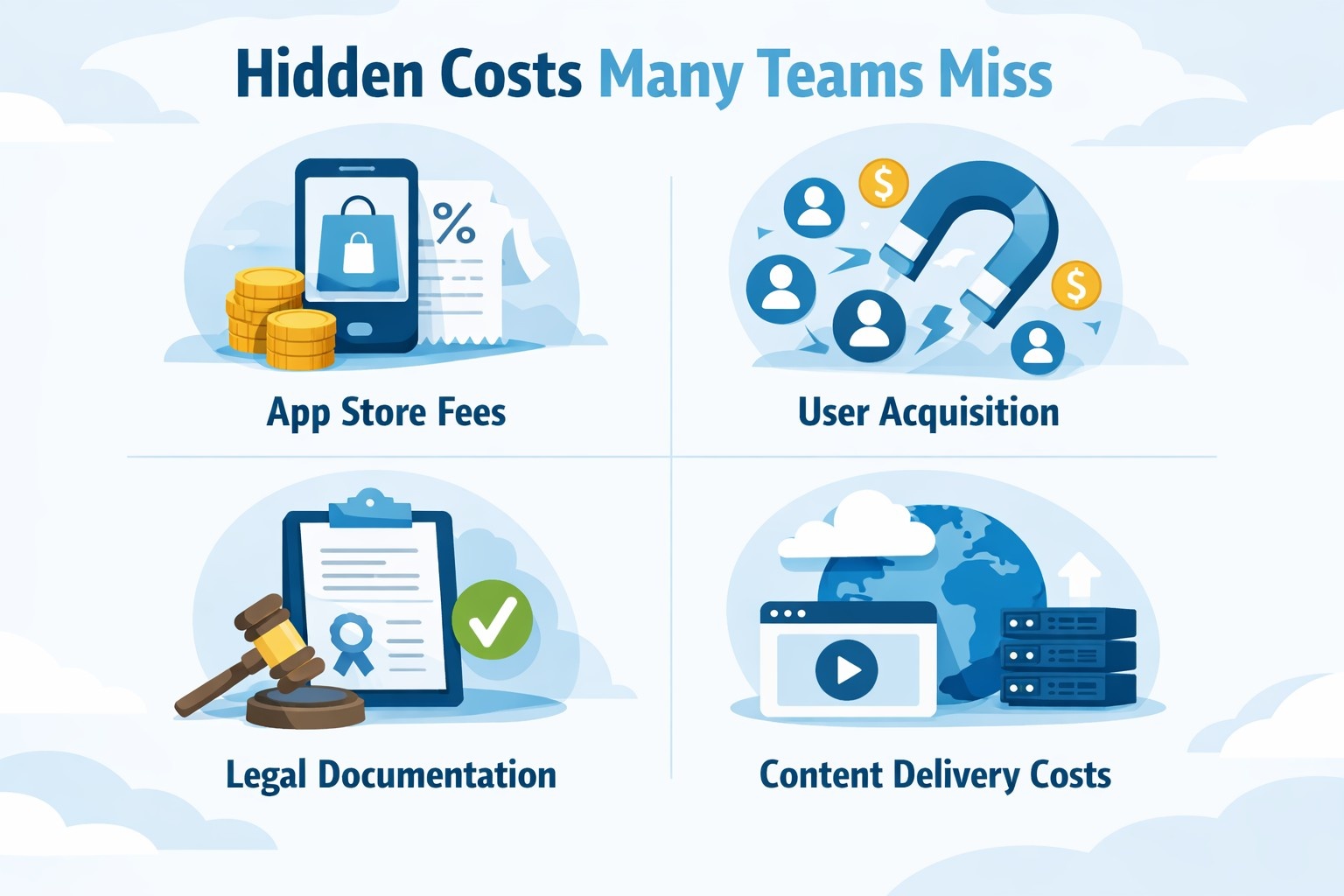
Hidden Costs Many Teams Miss
Some costs don’t show up in early development estimates, but they still affect the total budget and can cause friction if they’re ignored. These expenses usually come up closer to launch or during early growth, which is why they often catch teams off guard.
Hidden costs to plan for include:
- App store fees: Annual or one-time fees required to publish and keep your app available on Apple App Store and Google Play.
- Marketing and user acquisition: App store optimization, paid campaigns, content, or email outreach needed to actually attract users after launch.
- Legal documentation and policies: Privacy policies, terms of use, and licensing requirements that ensure compliance and protect the business.
- Hosting and content delivery costs: Ongoing expenses for servers, databases, media storage, and CDNs as your user base grows.
Including these items in early planning helps prevent last-minute budget gaps and allows for a smoother launch and post-release phase.
Typical Budget Allocation by Phase
A well-planned mobile app project usually spreads the budget across development stages in a fairly predictable way. While exact numbers can shift depending on scope, this breakdown reflects what many teams see in practice.
| Project Phase | Approximate Budget Share |
|---|---|
| Planning and discovery | 10% |
| UI and UX design | 15% |
| Development | 50% |
| Testing and QA | 10% |
| Launch and promotion | 5% |
| Ongoing maintenance | 10% |
This kind of allocation helps ensure that no stage is underfunded and makes it easier to manage expectations, timelines, and costs throughout the project.
How to Reduce Costs Without Hurting Quality
Smart planning usually saves far more money than cutting corners during development. Teams that think through scope, priorities, and technical decisions early are better positioned to control costs without sacrificing quality.
Effective cost-saving strategies include:
- Starting with an MVP – focus on core features first, launch faster, and expand based on real user feedback rather than assumptions.
- Using cross-platform frameworks where appropriate – a shared codebase can reduce development time and costs for many business-focused apps.
- Reusing proven libraries and tools – established frameworks and open-source solutions help avoid reinventing the wheel and reduce risk.
- Defining requirements clearly before development begins – clear specs prevent rework, delays, and unexpected scope changes.
- Working with experienced teams that provide realistic estimates – accurate planning upfront is usually cheaper than fixing issues later.
Cost control works best when it’s built into the strategy from the start, not when it’s treated as a reaction to budget overruns.

Cost-Efficient Mobile App Development at OSKI
At OSKI, we approach mobile app development with a clear focus on value, not just delivery. We design and build apps that are practical to develop, easy to maintain, and scalable over time. Cost efficiency starts at the planning stage. We help clients shape realistic scopes, prioritize features that matter, and choose technologies that fit both the product vision and the budget. This way, development stays predictable, and there are no unpleasant surprises halfway through the project.
Our strength lies in combining solid engineering with flexibility. We work across cloud platforms like AWS, Azure, and hybrid environments, apply DevOps and CI/CD practices to streamline releases, and use modern frontend and mobile frameworks to reduce redundant work. For mobile projects, this often means selecting cross-platform solutions when they make sense, reusing proven components, and building backend systems that scale without unnecessary complexity. The result is faster delivery and lower long-term costs.
We also bring deep experience across industries such as education, logistics, e-commerce, energy, and retail. That experience helps us avoid trial-and-error decisions that inflate budgets. From UI and UX design to backend infrastructure, QA, and post-launch support, we cover the full lifecycle. Our goal is simple: build mobile applications that perform well in the real world, stay within budget, and continue to deliver value long after launch.
Final Word
Mobile app development in the Philippines continues to be a strong option for companies looking to balance cost, quality, and technical capability in 2026. While development rates are generally more affordable than in Western markets, the final price of an app still depends on clear factors such as feature complexity, platform choice, design depth, backend requirements, and long-term maintenance plans.
Teams that take time to define scope, prioritize features, and choose the right development approach tend to stay on budget and avoid painful revisions later. Whether the goal is a lean MVP or a full-scale product, understanding where costs come from makes planning far more predictable. With the right strategy and a capable development partner, businesses can build reliable, scalable mobile apps in the Philippines without compromising on quality.
FAQ
How much does mobile app development cost in the Philippines in 2026?
Costs typically start around ₱150,000 for simple apps and can exceed ₱2,800,000 for complex applications with custom design, backend systems, and integrations.
Why are development costs lower in the Philippines compared to Western countries?
Lower labor costs, a strong local tech talent pool, and widespread English proficiency allow Philippine teams to offer competitive pricing without sacrificing communication or delivery standards.
What factors have the biggest impact on the final cost?
App complexity, number of features, platform selection, UI and UX design requirements, backend infrastructure, and third-party integrations all significantly affect pricing.
Is cross-platform development always the cheaper option?
In many cases, yes. A shared codebase can reduce development time and cost, but native development may still be better for apps with high performance or platform-specific requirements.
How long does it usually take to build a mobile app?
Simple apps may take 1 to 3 months, while more complex projects often require 6 to 12 months or longer, depending on scope and integrations.
Are there ongoing costs after the app is launched?
Yes. Maintenance, updates, hosting, security patches, and compatibility updates typically cost around 15% to 20% of the original development budget per year.


