

How to Build Your Own IPTV App: From Idea to Launch

The way people watch TV has changed for good. Fixed schedules and cable bundles are fading, while flexible, internet-based streaming keeps growing. That shift is exactly why IPTV apps continue to attract founders, media companies, and niche content creators.
If you’re considering launching your own IPTV app, this guide walks through the process step by step. We’ll cover how IPTV works, what kind of apps exist, the core features you’ll need, and the business decisions that matter before you start building. Whether you’re starting from zero or planning to rethink an existing platform, this overview will help you make sense of the process.
What IPTV Actually Is
IPTV stands for Internet Protocol Television. Instead of broadcasting content through satellite or cable, IPTV delivers video over the internet. That simple change unlocks far more flexibility for both viewers and platform owners.
With IPTV, users can stream live channels, watch on-demand content, or access previously aired programs whenever it suits them. The experience feels closer to modern streaming platforms than traditional TV.
Core Characteristics:
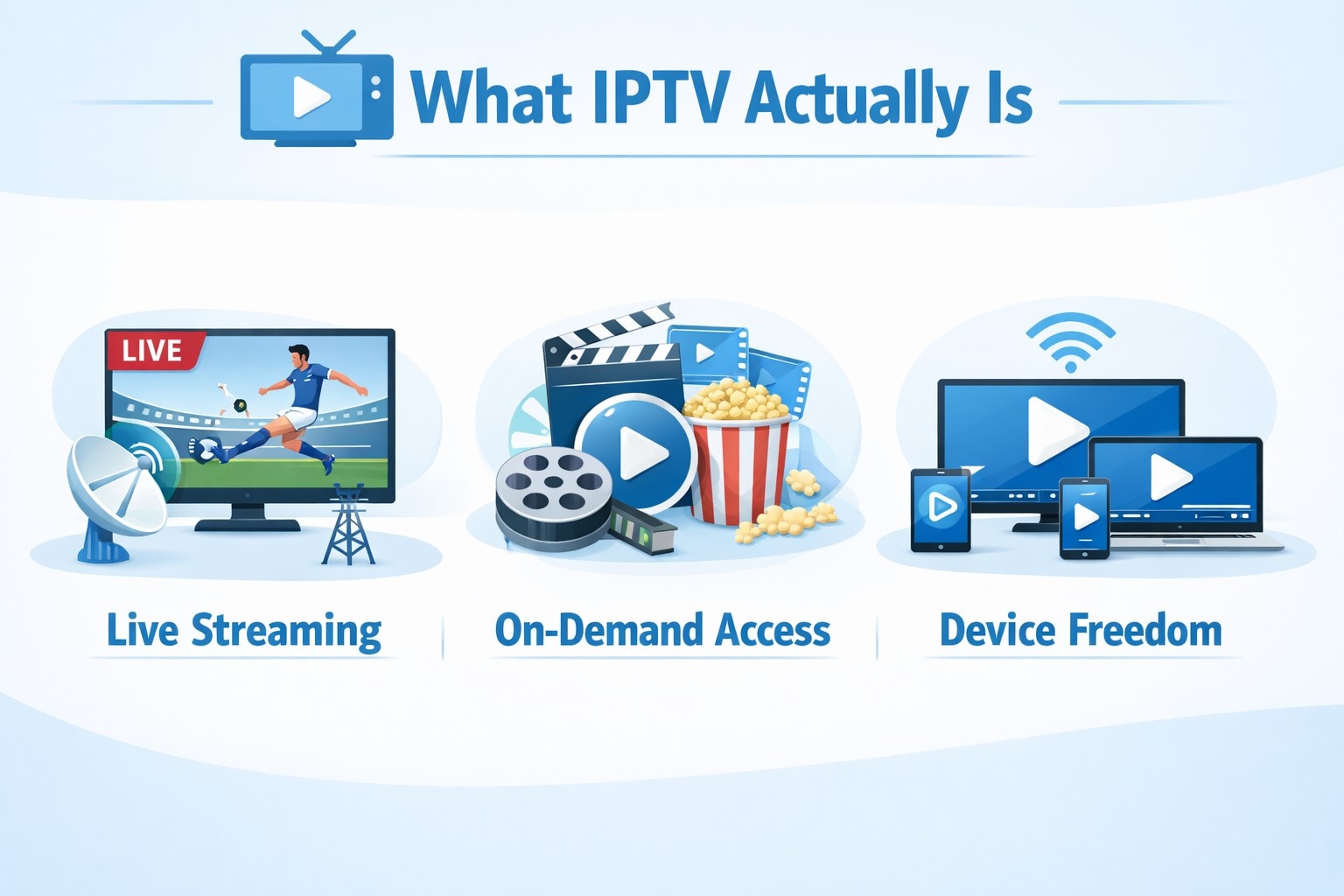
- Live streaming, where TV channels are delivered in real time over the internet.
- On-demand access, allowing viewers to watch shows or movies whenever they want.
- Device freedom, since IPTV apps can run on phones, tablets, smart TVs, and browsers.
This model removes fixed schedules and gives viewers control over what they watch and when.
Popular IPTV Apps Worth Checking
Before building your own solution, it helps to understand what existing IPTV apps do well and where they fall short.
TiviMate
A widely used IPTV player focused on live TV. It supports multiple playlists, EPG integration, and recording options, which makes it popular with experienced users.
IPTV Smarters
Known for a clean interface and broad feature set. It supports live TV, video on demand, catch-up TV, and multi-screen viewing, all within one app.
XCIPTV Player
A flexible IPTV app with support for multiple playlists, EPG, VOD, and live streams. It works across mobile platforms and offers regular content updates.
9Xtream
Designed mainly for live streaming, with support for several IPTV sources and customizable channel lists. Setup is straightforward, which appeals to less technical users.
VLC Media Player
Not a dedicated IPTV app, but capable of playing IPTV streams via M3U playlists. It lacks features like EPG or subscription management, which limits its use for full IPTV platforms.
Each of these tools solves a slightly different problem. Understanding their strengths helps shape your own product decisions.
Why Build Your Own IPTV App
Launching an IPTV app is not just a technical project. It’s a business decision, and there are clear reasons why companies pursue it.
- Viewer habits are shifting toward on-demand, internet-based content.
- Geographic limits are lower, since IPTV platforms can reach users worldwide.
- Multiple revenue models are available, from subscriptions to ads and event-based access.
With the right positioning, an IPTV app can serve a specific audience and generate predictable income over time.
How to Create an IPTV App Step by Step
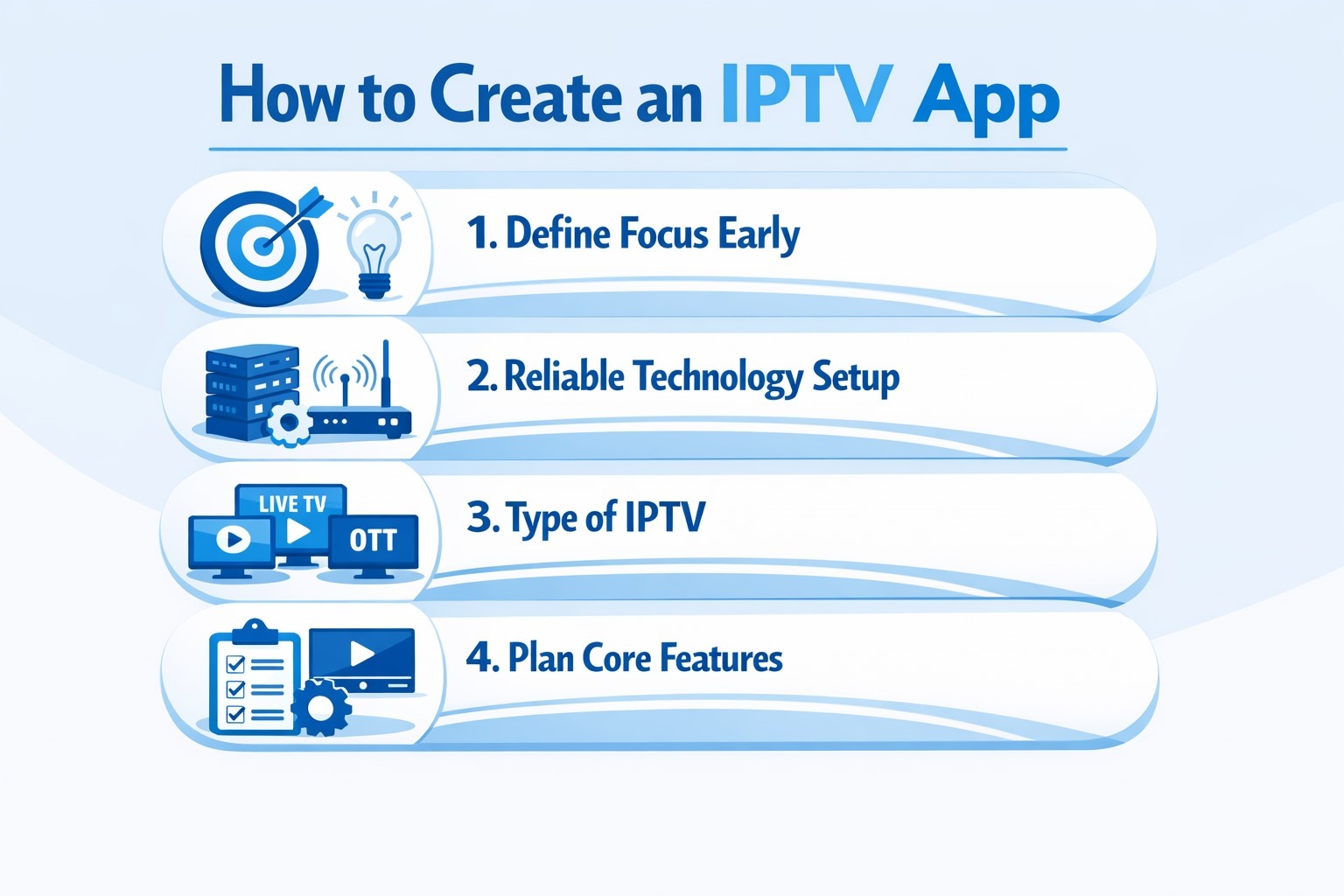
1. Define Your Focus Early
Before any technical work starts, it’s important to decide what role your IPTV app will play for users. Trying to serve every possible audience usually leads to a cluttered product that does nothing especially well. A focused concept helps you shape the entire product, from features to pricing and marketing.
Some platforms are built around live sports, others around on-demand libraries, and some exist purely to serve a regional or language-specific audience. The clearer your direction is at this stage, the easier it will be to make consistent decisions later without constantly rethinking the product’s purpose.
2. Choose a Reliable Technology Setup
The technical foundation of an IPTV app directly affects playback quality, scalability, and long-term stability. While tools and frameworks change over time, the core requirements remain fairly consistent.
Key components usually include:
- Streaming protocols, such as HLS or RTSP, to deliver video efficiently across different devices and network conditions.
- A content delivery network (CDN) that distributes streams globally and minimizes buffering or latency.
- Server infrastructure for video storage, encoding, user management, and traffic handling.
- Application frameworks, either native or cross-platform, depending on whether you’re targeting mobile devices, smart TVs, browsers, or all of them.
At this stage, reliability matters far more than experimenting with unproven technology.
3. Decide What Type of IPTV App You’re Building
IPTV apps come in several distinct formats, and choosing the right one early helps avoid costly changes later. Some apps resemble traditional streaming platforms with licensed content and subscriptions. Others act as companions to existing TV providers or allow users to bring their own playlists and sources.
There are also fully custom IPTV platforms built around APIs and modular services, designed for businesses that want more control over content workflows. The model you choose will shape not only the feature set, but also infrastructure needs and legal responsibilities.
4. Plan the Core Features
Beyond streaming video, an IPTV app needs a solid set of features to feel complete and usable. These features don’t all need to launch at once, but the core experience must be reliable from day one.
Common essentials include:
- User accounts and profiles to support personalization and preferences.
- Live TV and on-demand playback, with stable performance across different network conditions.
- Search and filtering tools that help users find content quickly.
- Multi-device support, including phones, tablets, smart TVs, and web browsers.
- Playback controls, subtitles, and resolution options for different viewing environments.
- Electronic Program Guide (EPG) for navigating live channels.
- Optional extras, such as cloud DVR, parental controls, and notifications.
Well-planned features reduce friction and improve long-term retention.
5. Pick a Monetization Model
How your IPTV app makes money should align with how users consume your content. There is no single “best” model, and many successful platforms mix several approaches.
Common monetization options include:
- Subscriptions, offering recurring access to live or on-demand content.
- Pay-per-view, typically used for live events, sports, or exclusive broadcasts.
- Rentals or one-time purchases, suited for individual movies or special content.
- Ad-supported viewing, where users access content for free in exchange for ads.
- Freemium models, combining limited free access with paid upgrades.
Testing and adjusting monetization over time is often more effective than locking into one model early.
6. Design UI and UX That Supports Viewing
Good IPTV design stays out of the way. Users should be able to open the app, find something to watch, and start playback without thinking too much about navigation. That means clear content organization, consistent layouts, and controls that work equally well with touch screens and TV remotes.
Personalization can improve engagement, but only when it feels natural and doesn’t overload the interface. Early user testing is especially valuable here, since design issues are often easier to spot in real usage than in design tools.
7. Handle Legal and Compliance Early
IPTV platforms operate in a regulated space, especially when it comes to content distribution and user data. Licensing agreements must be in place for all streamed content, and privacy requirements should be clearly defined and communicated.
Depending on where your users are located, you may need to comply with regional data protection laws. Addressing these requirements early reduces legal risk and avoids expensive rework later.
8. Test Before You Treat It as Finished
Testing should reflect real-world usage, not just ideal conditions. That includes checking how the app behaves under high traffic, how quickly streams recover from unstable connections, and whether playback remains smooth across devices.
Usability testing helps uncover navigation problems, while security testing protects both user data and content. The more thorough this phase is, the smoother the launch will be.
9. Launch with a Clear Adoption Strategy
Publishing the app is only the beginning. A good launch plan includes onboarding flows, trial periods, and clear guidance that helps users reach their first successful viewing session quickly. Early feedback often highlights gaps you didn’t anticipate, which is why support and communication matter during this phase.
A thoughtful launch can make the difference between early churn and steady user growth.
10. Maintain, Improve, and Evolve
IPTV apps require ongoing care. Operating systems change, new devices appear, and user expectations evolve. Regular bug fixes, performance improvements, and feature updates keep the platform reliable.
Equally important is keeping the content library fresh. An IPTV app that stops evolving rarely holds attention for long. Long-term success comes from consistent improvement, not a one-time release.
Common Mistakes to Avoid When Building an IPTV App
Even well-planned IPTV projects can run into trouble if certain risks are overlooked. Most issues don’t come from a single bad decision, but from small assumptions that add up over time. Knowing what to watch out for early can save both budget and momentum.
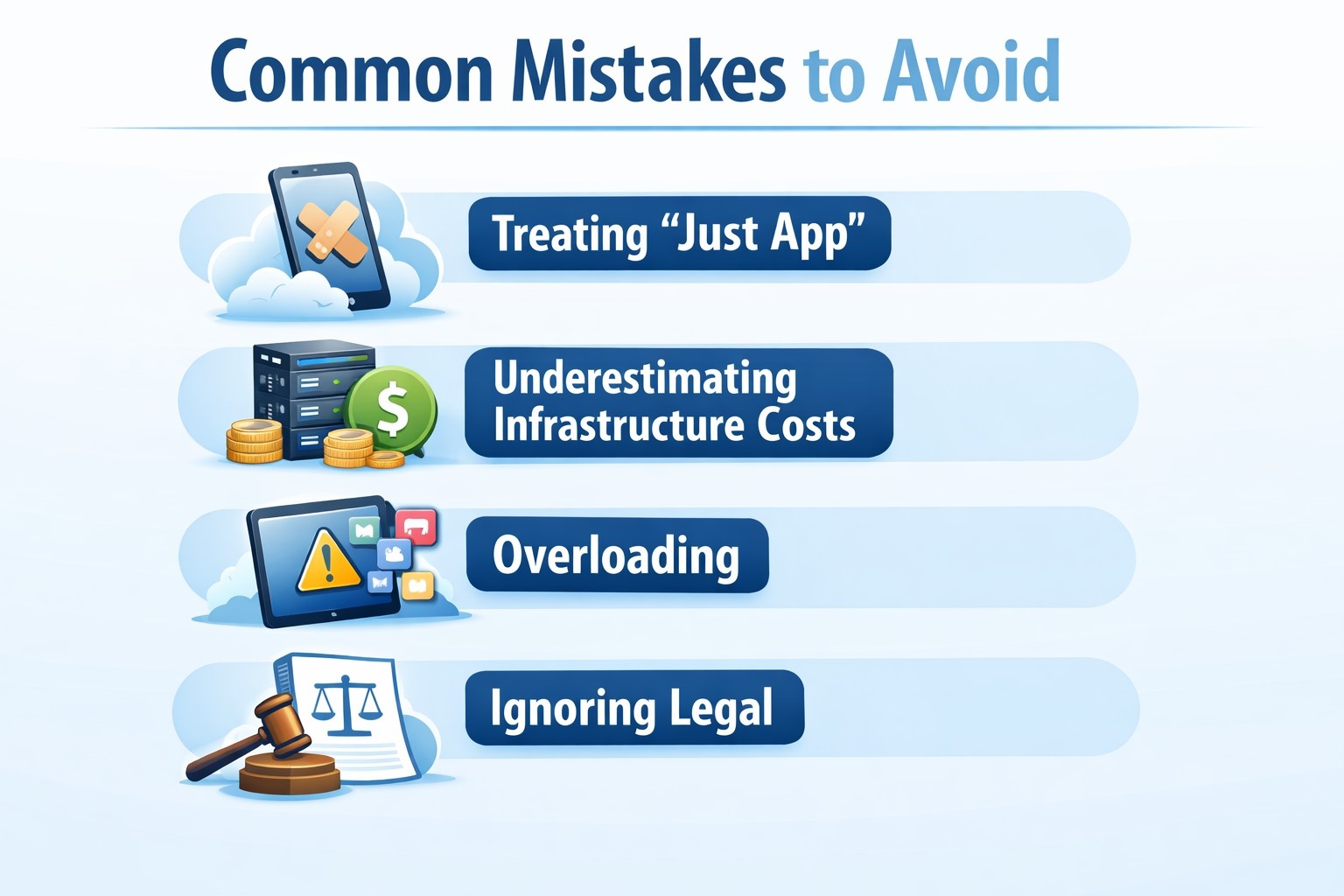
Treating IPTV as “Just Another Streaming App”
IPTV has its own technical and operational challenges. Live streams behave differently from on-demand video, especially under load or unstable network conditions. Teams that reuse a standard video app setup without accounting for real-time streaming often run into buffering, sync issues, or scalability problems.
Underestimating Infrastructure Costs
Video delivery is resource-heavy. Bandwidth, storage, encoding, and CDN usage can grow faster than expected, especially after launch. Planning infrastructure only for early usage can lead to performance issues once real traffic arrives. It’s important to model growth and cost scenarios before committing to a setup.
Overloading the First Version with Features
Trying to launch with every possible feature often slows development and hurts stability. Cloud DVR, advanced personalization, multi-profile support, and deep analytics are useful, but not all of them are essential on day one. A smaller, stable feature set usually performs better than a complex but unreliable release.
Ignoring Legal and Licensing Details
Content licensing is one of the most common problem areas in IPTV projects. Streaming content without proper rights, or misunderstanding regional restrictions, can lead to takedowns or legal action. Privacy and data protection rules are just as important, especially when handling user accounts and payments.
Poor Performance on TV Devices
Many IPTV apps are tested mainly on phones and browsers, then pushed to smart TVs as an afterthought. TV platforms have different performance limits, navigation patterns, and input methods. If remote control navigation feels awkward or playback struggles on TVs, user retention will suffer.
Skipping Real User Testing
Internal testing rarely reflects real usage. Users behave differently, have slower networks, and use a wide range of devices. Skipping external testing often means discovering usability or performance problems only after launch, when fixes are more expensive and public.
No Long-Term Maintenance Plan
An IPTV app is not a one-off project. Operating systems update, streaming standards evolve, and content libraries need constant refresh. Teams that don’t plan for ongoing maintenance often see quality drop within the first year, even if the launch went well.
Avoiding these pitfalls doesn’t guarantee success, but it significantly improves your chances of building an IPTV app that remains stable, compliant, and usable as it grows.

How We Build IPTV Apps At OSKI
At OSKI, we approach IPTV development as a full system, not just an app with video playback. We design and build IPTV platforms that are meant to scale, stay stable under real traffic, and evolve as business needs grow. From architecture to deployment, we focus on long-term reliability rather than quick shortcuts.
We rely heavily on cloud-native infrastructure, serverless components, and hybrid cloud setups to support high-load streaming and global delivery. Our experience with AWS, Azure, and modern DevOps pipelines allows us to build IPTV backends that handle live streams, on-demand content, user management, and integrations without performance bottlenecks. Security, automation, and monitoring are built in from the start, not added later.
On the product side, we pay close attention to UI and UX across devices. IPTV apps need to work just as smoothly on smart TVs as they do on mobile and web. We design interfaces that feel intuitive with remote controls, touch screens, and browsers, while keeping navigation simple and content easy to discover. When needed, we also integrate AI-driven features like content recommendations, search enhancement, and analytics to help platforms grow engagement over time.
If the goal is not just to launch an IPTV app, but to build a platform that can grow and adapt, that’s where we bring the most value.
Final Thoughts
Building an IPTV app can be a solid opportunity when approached thoughtfully. Success depends on clear positioning, reliable technology, and attention to the viewing experience. From content strategy to monetization and maintenance, each decision plays a role in long-term viability.
With careful planning and continuous improvement, an IPTV app can evolve into a sustainable platform that meets modern viewing habits and business goals.
FAQ
What should I do first when planning an IPTV app?
Start by defining your audience and content focus. That decision shapes every technical and business choice that follows.
How do IPTV apps usually make money?
Common models include subscriptions, pay-per-view events, rentals, advertising, or combinations of these.
What technology is required for IPTV development?
You’ll need streaming protocols, CDN support, server infrastructure, and development tools suited to your target devices.
How can I protect content and user data?
Security measures usually include encryption, secure authentication, and trusted payment systems.
Can one IPTV app work across multiple devices?
Yes. Most modern IPTV platforms support phones, tablets, smart TVs, and browsers.


